Gixie Clock User Manual
For the six-tube Gixie Clock.
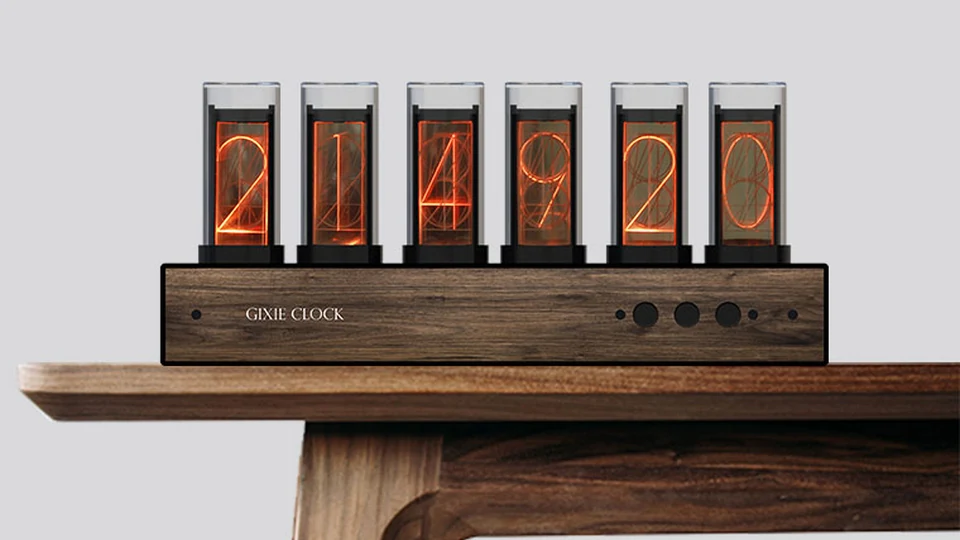
This manual helps you connect your clock, set the time, change its display, and use alarms and timers. Start with Quick start, or choose a topic below.
| What you want to do | Chapter |
|---|---|
| Connect power and get started | Quick start |
| Connect your phone or change Wi-Fi | App connection and Wi-Fi |
| Adjust time, colors, brightness and sleep schedules | Time and display settings |
| Use alarms, timers, day counters and network data | More features |
| Operate the clock without your phone | Buttons and everyday use |
| Update or reset the clock | Updates and factory reset |
| Solve connection, time or display problems | Troubleshooting |
| Check power requirements or contact support | Care and support |
Reading this manual
Your phone controls the clock over Bluetooth. Wi-Fi is optional and enables the clock's online features.
Bold labels identify app controls. For example, Setting → Wi-Fi means tap the Setting tab, then Wi-Fi. Device and network names in the illustrations are examples.
This manual applies only to the six-tube product shown above.