Quick start
1. Position and power the clock
Place the clock on a stable, dry surface. Support the base when moving it; do not pull the magnetic tubes or power cable. The tubes are glass: handle them carefully and protect them from impacts.
Use a 5 V DC USB power supply rated for at least 1 A, with the original power cable. A 5 V / 1 A or 5 V / 2 A supply is suitable. “At least 1 A” refers to the available current; the voltage must remain 5 V. Connecting a supply above 5 V can damage the clock.
Connect power and check that the display lights up. If it does not, check the supply and cable, then see Troubleshooting.
2. Connect your phone
-
Get the Gixie Clock app.
iOS

Download for iOS
Android
Download for Android
-
Turn on Bluetooth and keep your phone near the clock.
-
Open Gixie Clock and allow the requested connection permissions.
-
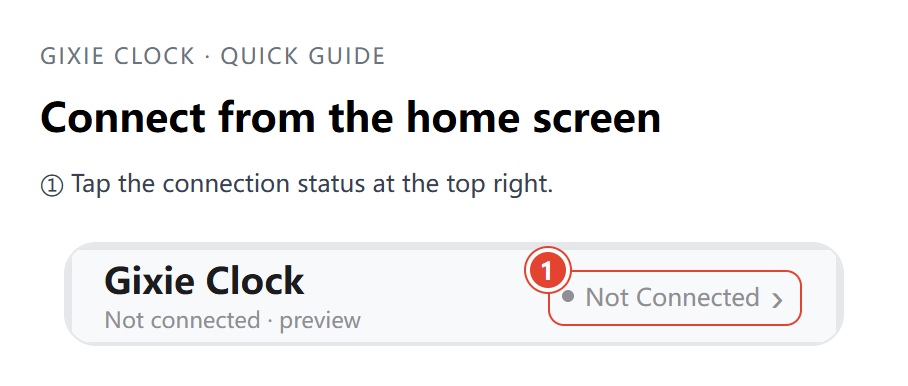
Tap the Bluetooth connection status at the top right of the home screen (Not Connected) to open Bluetooth List. Scanning starts automatically.
-
Tap your clock under Other Devices. Once connected, the app returns to the home screen and shows Connected at the top right.
For detailed steps, optional Wi-Fi setup and permissions, see App connection and Wi-Fi.